

Best 10 Browser Fingerprint Test Tools in 2026
Clearing cookies and using incognito mode isn't enough to stay anonymous online. This guide compares 10 of the best browser fingerprint test tools in 2026 — from beginner-friendly options like Iphey and Whoer to deep technical analysis with BrowserLeaks and AmIUnique — so you know exactly how trackable your browser really is.
Every time you visit an online page, you leave behind traces that can be used to create a unique digital fingerprint to track you. Many people frequently clear their cookies, browse in incognito mode in an attempt to increase anonymity. However, these methods are usually insufficient in optimizing online privacy.
As a result, individuals and businesses are turning to privacy tools like VPNs, proxies, and antidetect browsers for optimized security. But, the only way to verify anonymity levels is through fingerprint tests. This article will cover 10 of the best fingerprint test tools on the market, their pros and cons.
What is a Fingerprint Test Tool?
A fingerprint test tool has the ability to reveal the unique digital fingerprints left by browsers. With these, users can understand how their browser configuration makes them identifiable and trackable. Websites can see data like IP address, fonts, plugins, screen resolution, and location when you visit. These fingerprint detection tools display these settings as seen by websites you visit.
Even when using a VPN or proxy, you still need to verify what signals are being collected by the website. With the many options available in the market, choosing the best fingerprint test service may be confusing.
Here are some factors I considered when putting together this list of browser fingerprint test services:
Leak Detection Coverage
A crucial factor I checked is how much leak detection coverage the tool offers. Therefore, I prioritized services that check for IP leaks, WebRTC leaks, DNS leaks, and IPv6 leaks. Modern websites with advanced fingerprinting systems often leverage these leaks to collect data.
Fingerprint Analysis Depth
One of the major factors I considered is the depth of fingerprint analysis offered by each fingerprint test service. A device fingerprint test that only verifies your IP and location has less depth than those that analyze parameters like Canvas, WebGL, time zone, fonts, and hardware components.
Reliability
Reliability is another factor that significantly influenced the fingerprint test tools on this list. Credibility among the privacy community is usually influenced by users’ experiences. Therefore, I considered tools with a strong track record in performance for solving privacy tasks.
Ease of Use
Depending on the provider, browser detection tools have varying levels of difficulty. Some are easy to use by those without any technical skills. On the other hand, some may be best suited for technical users who prefer raw data.
Comparison Table
Tools | Key Focus | Fingerprint Depth | Risk Score | Best For |
Iphey | Bot detection, WebGL detection, IP analysis | High | Yes | All-round privacy verification |
Cover Your Tracks | Do Not Track, Ad blocking test, Invisible tracker block | Moderate | No | Tracker protection |
BrowserLeaks | Geolocation API, Canvas fingerprinting, Chrome extension detection, DNS leak test | High | No | In-depth technical fingerprint analysis |
AmIUnique | Do Not Track, WebGL, Cookies, User-agents verification | Moderate | No | Fingerprint uniqueness check |
BrowserScan | Bot detection, IP mismatch, WebGL test | Moderate | Yes | Risk-focused check |
IPLeak | Torrent detection, Geolocation API | Moderate | No | IP and privacy check |
FPMON | Third-party script detection, Real-time fingerprint analysis | Moderate | No | Real-time fingerprint monitoring |
ToDetect | Fingerprint detection, IP and environment consistency verification, real-time monitoring | High | Yes | Real-time scanning and reporting on browser environment consistency |
PixelScan | DNS leak test, WebRTC leak test, proxy and bot checker | High | Yes | Antidetect browser validation |
Whoer | Blacklist detection, JavaScript detection | Moderate | Yes | Fast anonymity score |
Best 10 Browser Fingerprint Test Tools in 2026
There are several browser fingerprint detection tools that can be used to verify VPN, proxy, or anti-detect browser network configurations. Below are the top 10 tools in 2026:
Iphey
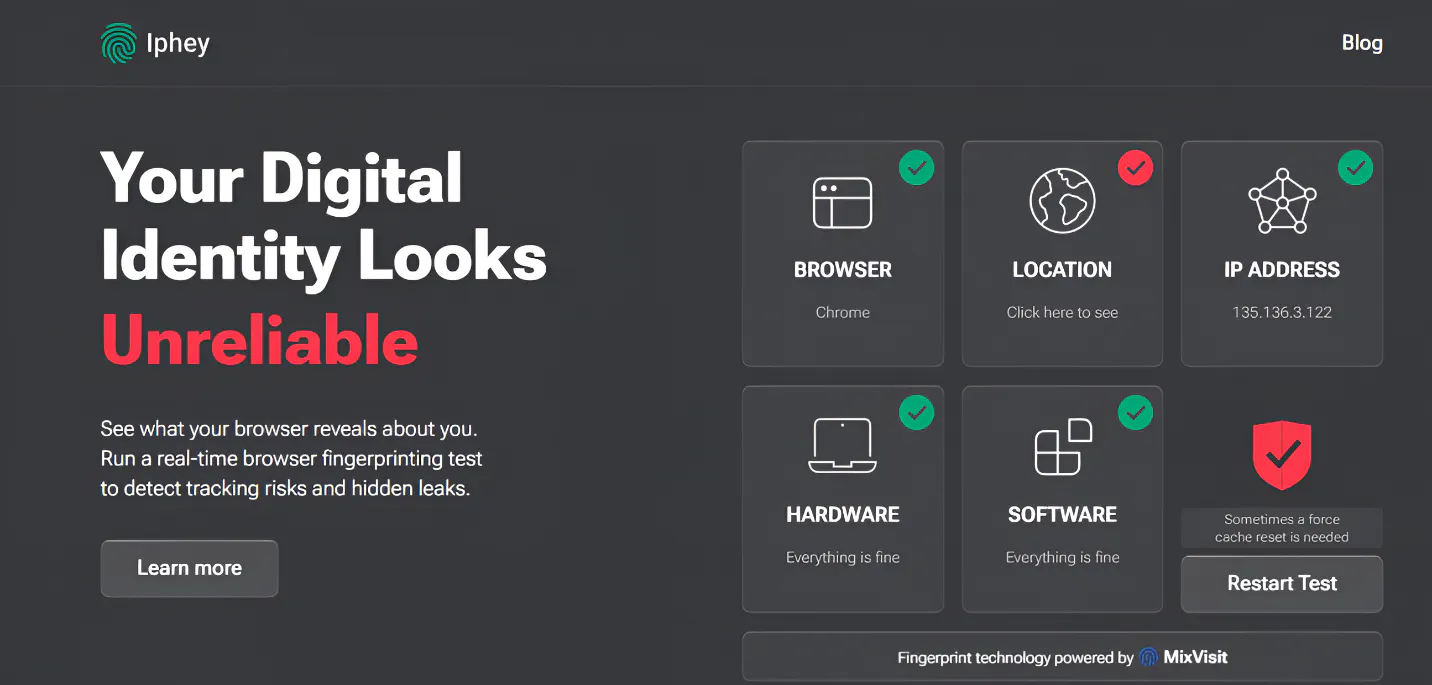
Out of all the fingerprinting tools I tested, Iphey is my top recommendation. It is great for beginners who want a simple yet comprehensive privacy result. This tool is very easy to use; you can run the fingerprint test from IPhey’s homepage.
If you are using a weak VPN, Iphey can immediately pinpoint the mismatch between your location and timezone. Another thing that caught my attention is that it delivers in-depth details of your bot configuration. More so, it checks if your bot uses a web driver or has a user agent.
Some of Iphey's key features include:
- WebRTC IP leak check
- ISP risk score
- IP reputation
- Country, state, city, and coordinate breakdown
- Bot and automation detection
- Blacklist status
Pros | Cons |
Beginner-friendly interface | Less granular raw data |
Very easy to understand | |
Excellent for anti-detect browser validation | |
Checks IP, location, network, and bot signals |
Cover Your Tracks
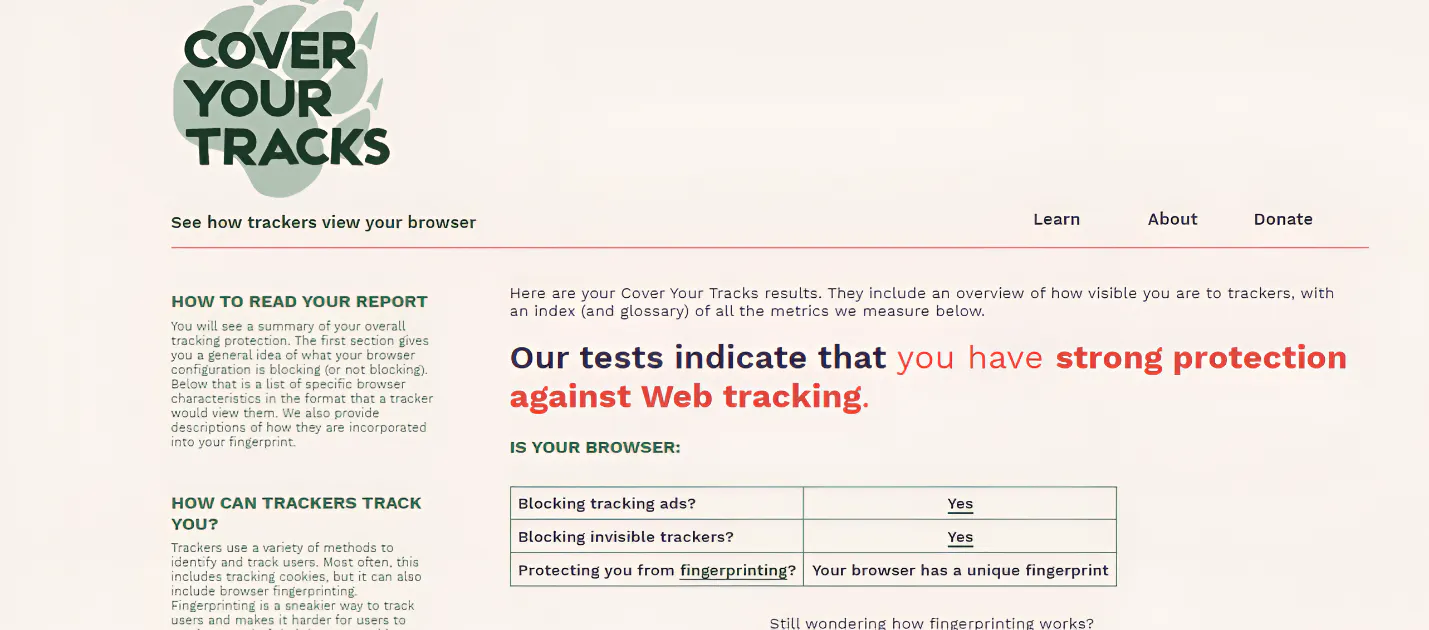
Cover Your Tracks by the Electronic Frontier Foundation is a testing tool which analyzes your browser and add-ons to protect you against online tracking techniques. It shows how easy it is for websites to determine the uniqueness of your browser settings.
Cover Your Tracks has over 5M+ fingerprint database that provides vast options for comparison. Therefore, the entropy score is influenced by the vast amount of information in the database.
Regardless of its unique abilities, Cover Your Tracks has a limited scope. It does not give a risk score, which makes it less diagnostic, but more research-focused.
Some of what it tests include:
- Do not track compliance
- Tracking ad blocking
- Fingerprint uniqueness
- Supercookie protection
- Invisible tracker blocking
Pros | Cons |
It has the largest public database for comparison | Limited technical detail |
The entropy measurement is the standard for uniqueness | No risk score |
Support by research at EFF | Limited depth |
Contains quality resources for beginners |
BrowserLeaks
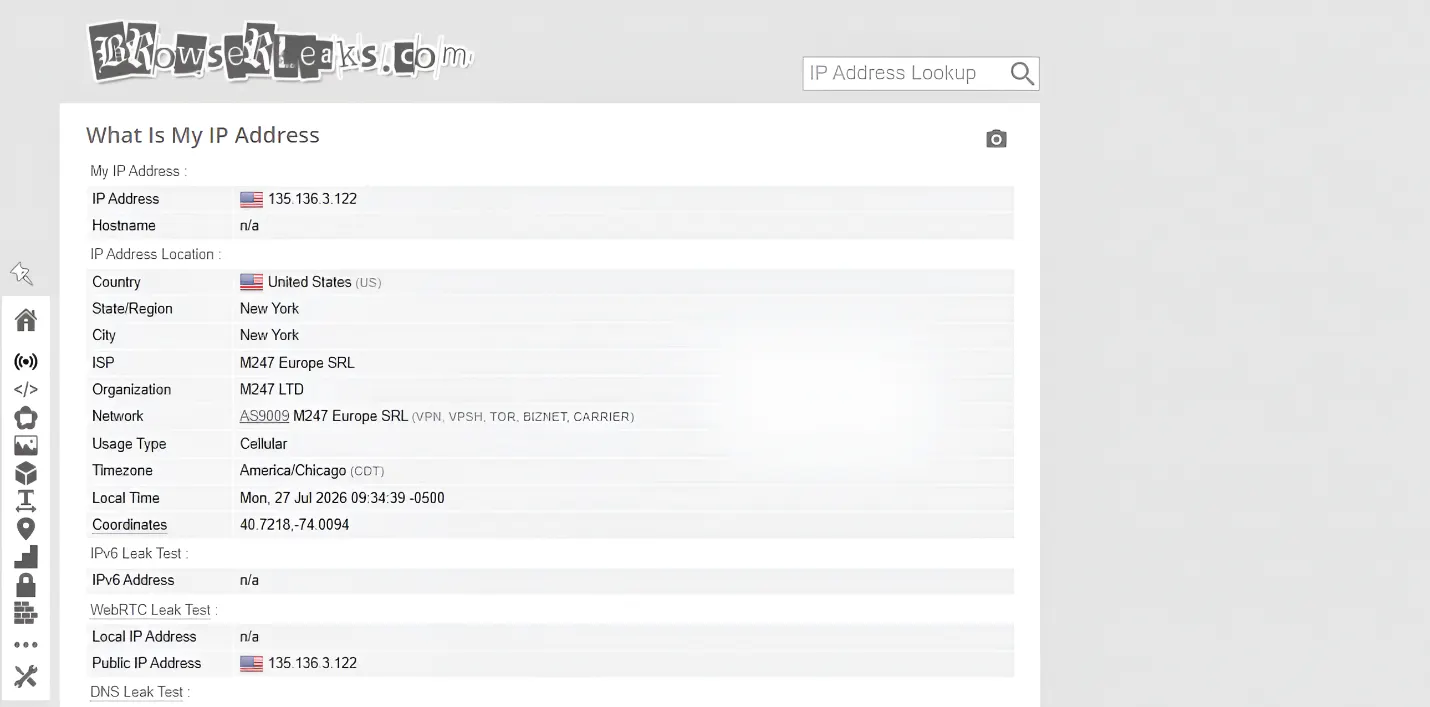
BrowserLeaks provides deep granular fingerprint analysis that is commonly used by privacy professionals. One thing that sets this service aside from others is its modular testing approach. This tool breaks down fingerprint details into different categories to provide a comprehensive result.
BrowserLeaks is a good option if you need to identify specific fingerprint parameters that are compromising your network configuration. While this tool delivers extensively in terms of technical depth, it can be overwhelming for beginners.
BrowserLeaks tests the following parameters:
- Detailed HTTP headers
- Canvas fingerprint analysis
- WebRTC local IP address
- Geolocation
- CSS features
- WebGL
In addition, I noticed that it does not actually provide a risk score. Instead, users get raw data, which requires interpretation.
Pros | Cons |
Comprehensive fingerprint testing tool | May not be the most beginner-friendly option |
Great for identifying leaks | Does not provide a risk score |
Best suited for developers and security experts | Results require interpretation |
AmIUnique
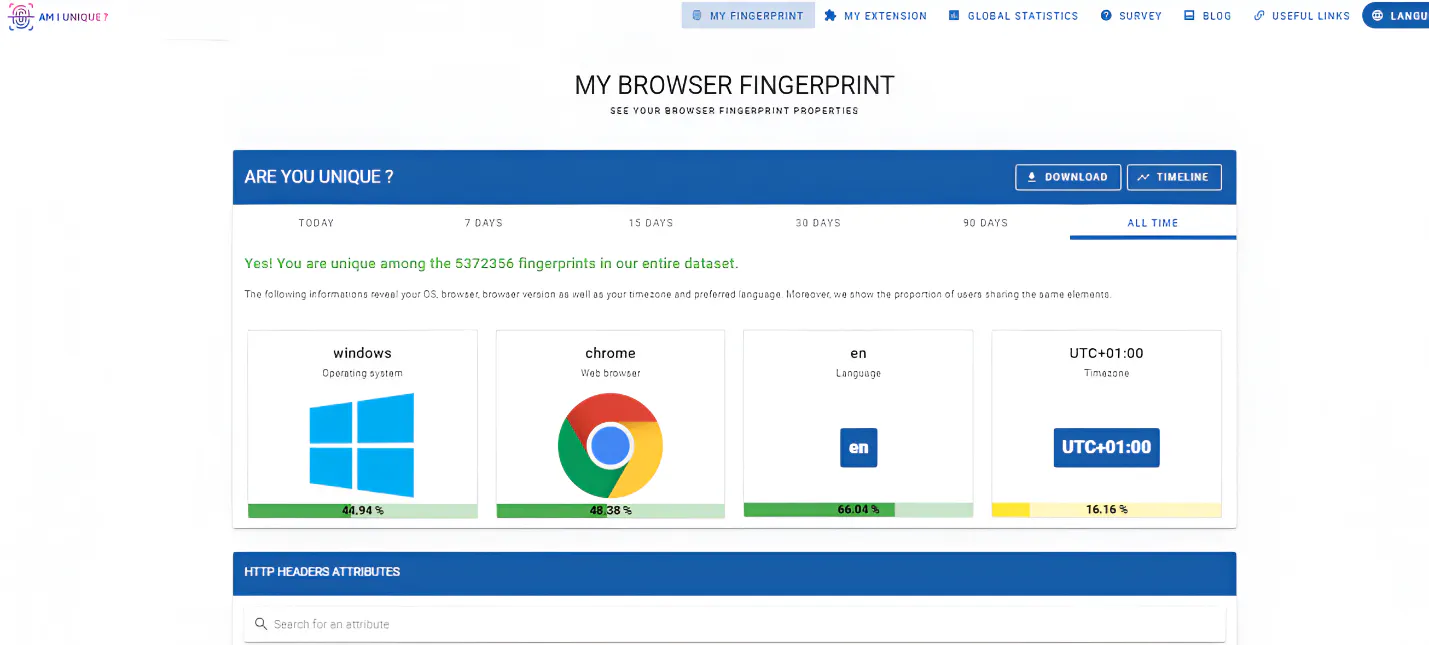
AmIUnique is a highly respected legacy fingerprint testing tool. It was designed to verify the uniqueness of your browser fingerprint parameters. In simpler terms, it checks several browser signals and compares them to the other fingerprints in their database.
One thing I liked was how well it goes into details on compromising parameters. For example, it told me my canvas was shared by 0.70% of users, the user agent by 0.10%.
However, this check did not give me a risk score, or a clear indication that my browser configuration looks suspicious.
Some of the parameters it tests include:
- User-Agent
- Accept headers
- Plugins
- Cookies
- Do Not Track
- Timezone
- Canvas
- WebGL
Pros | Cons |
Strong browser fingerprint breakdown | The dataset may not be an accurate indicator for everyday internet users |
Good for research | No clear IP or geolocation check |
Large dataset for comparison | No risk score |
It is an open-source project |
BrowserScan
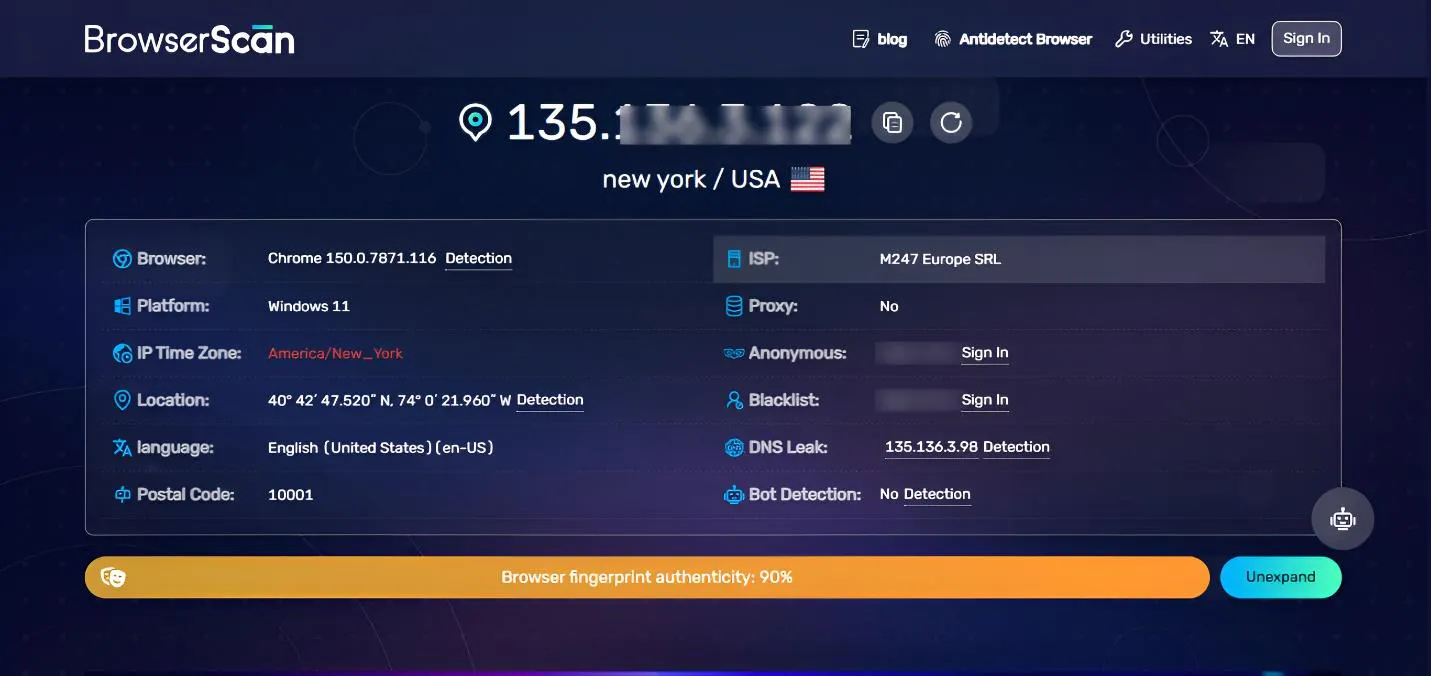
BrowserScan is a testing tool aimed at testing how browser environments will perform against anti-bot and anti-fraud systems. It focuses on risk assessment, which uncovers parameters that may be flagged as suspicious by website detection systems.
Its stand-out feature, the Browser fingerprint authenticity, is one of the reasons I recommend this tool, especially to those who use antidetect browsers. BrowserScan functions well as a validation tool to confirm that antidetect profiles are natural. Some of the parameters it checks are:
- Anonymity
- IP blacklist
- Fingerprint authenticity score
- DNS Leak
- Bot detection
Pros | Cons |
It displays the browser authenticity score | Some results require users to sign in |
Highly feature-rich tool | Too many ads on the page |
Focuses on risk detection | |
Good for anti-detect browser profiles |
IPLeak
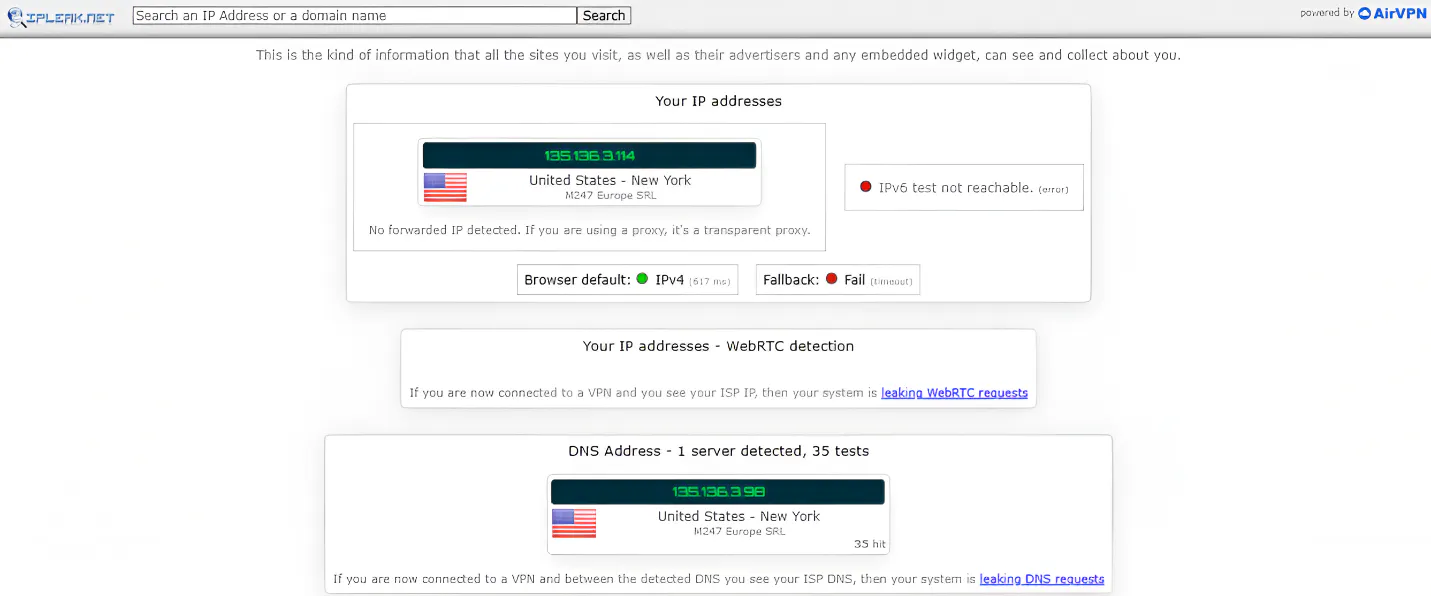
IPLeak is another legacy IP leak testing tool that checks if your real IP address and other parameters are visible to websites. It is also one of the few fingerprint services that can verify the anonymity of Tor connections.
Although it is popular in the privacy community, the interface has not been updated to meet modern standards. However, it remains a strong reference point to confirm privacy results with other tools.
One of the downsides I noticed was its inability to detect if you are using a VPN or proxy connection. This makes me unsure of the effectiveness of the WebRTC testing.
Some of the parameters it checks include:
- Torrent address detection
- Geolocation
- User agent
- System information
- HTTP request headers
- WebRTC testing
Pros | Cons |
Commonly cited by the privacy community | It has a dated interface |
Offers comprehensive testing | Page loads slowly, especially on mobile |
Checks Torrent IP | Not beginner-friendly |
FPMON
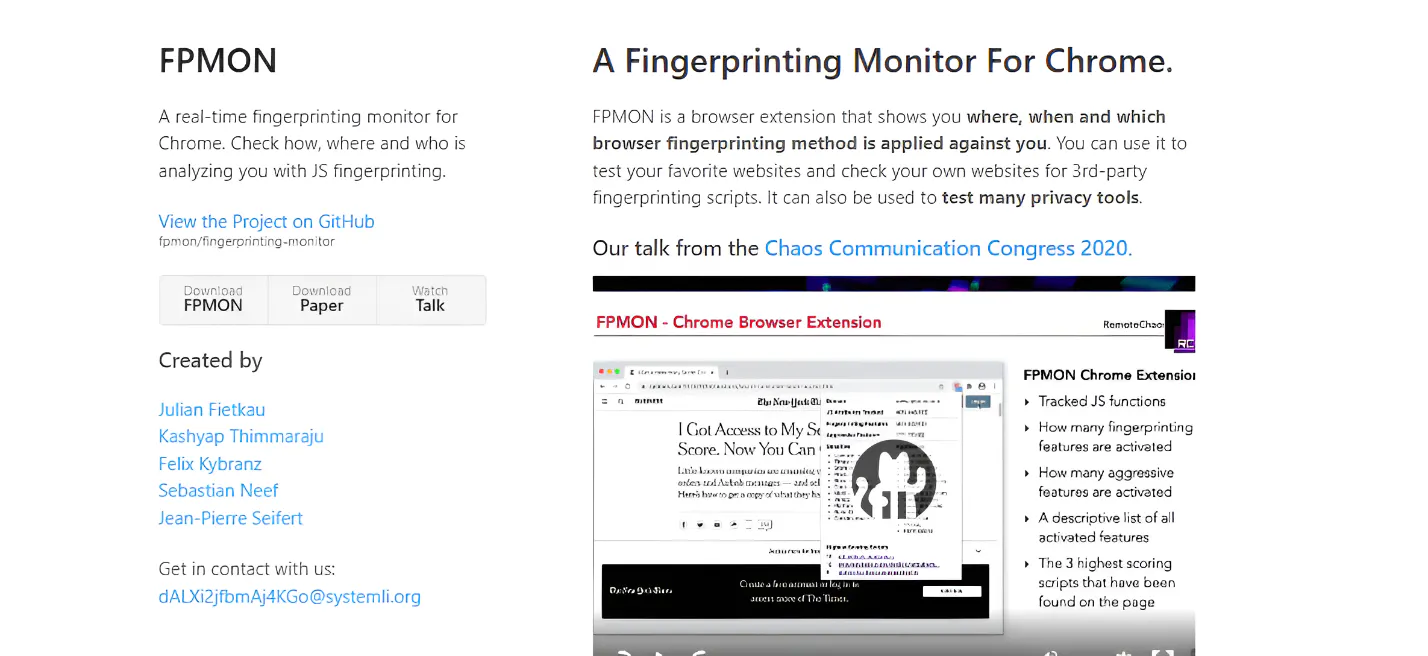
FPMON is a unique tool on this list as it takes a different approach compared to traditional fingerprint test tools. It works as a real-time fingerprint monitoring tool for Chrome. In simpler terms, it is a chrome extension that shows you where, when, and which fingerprinting method is applied against you while you surf the internet.
You can apply FPMON to your favorite websites, your own websites for third-party fingerprinting scripts, as well as testing many privacy tools. Since FPMON offers real time monitoring, you can get live updates of which websites are trying to fingerprint your browser and how they are doing it.
I think FPMON is best suited for developers and privacy researchers. On the downside, it does not show a risk score or check for leaks.
Pros | Cons |
Real-time fingerprint monitoring | The extension needs to be installed |
Auditing websites for third-party scripts | Only supported on Chrome browser |
Backed by research | It does not show risk score |
It tells you which method each website is attempting to use to fingerprint your browser |
ToDetect
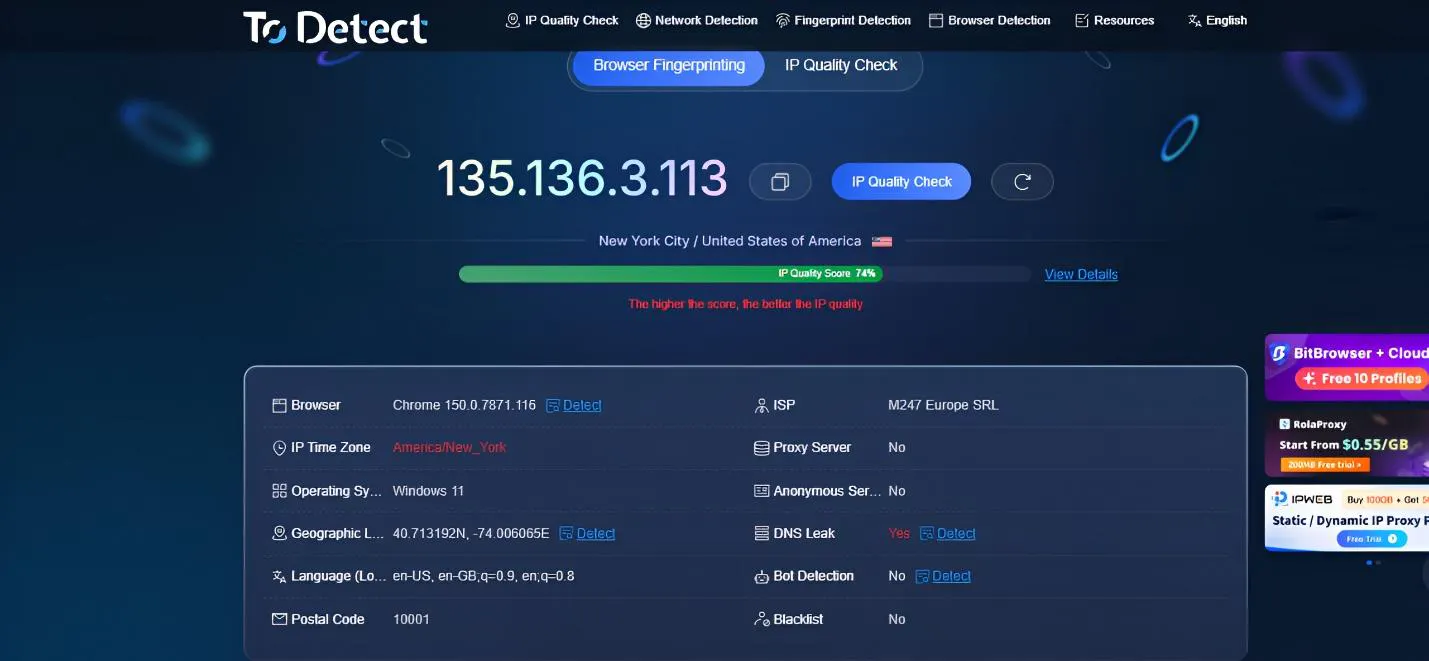
Although relatively new to the privacy community, ToDetect is one of the most comprehensive fingerprinting test tools on the market. It offers multi-dimensional fingerprint detection involving up to 50 parameters.
One thing that makes ToDetect stand out is its ease of use. It automatically identifies location, IP type, and any mismatch between fingerprint parameters. In addition, it delivered great performance when I used it to check the consistency of antidetect browser profiles.
ToDetect has a modern and intuitive interface. Fingerprint data is classified in a way that is easy to understand even for beginners. It also adds a clear label to indicate abnormal findings in your network configuration
Some of the parameters it checks include:
- DNS leakage
- WebRTC leak
- IP type
- Geolocation
- Timezone
Pros | Cons |
Real-time fingerprint analysis | May feel too dense at first glance |
Checks internet speed | Less community recognition |
Clear visual fingerprint report | |
Beginner friendly |
PixelScan
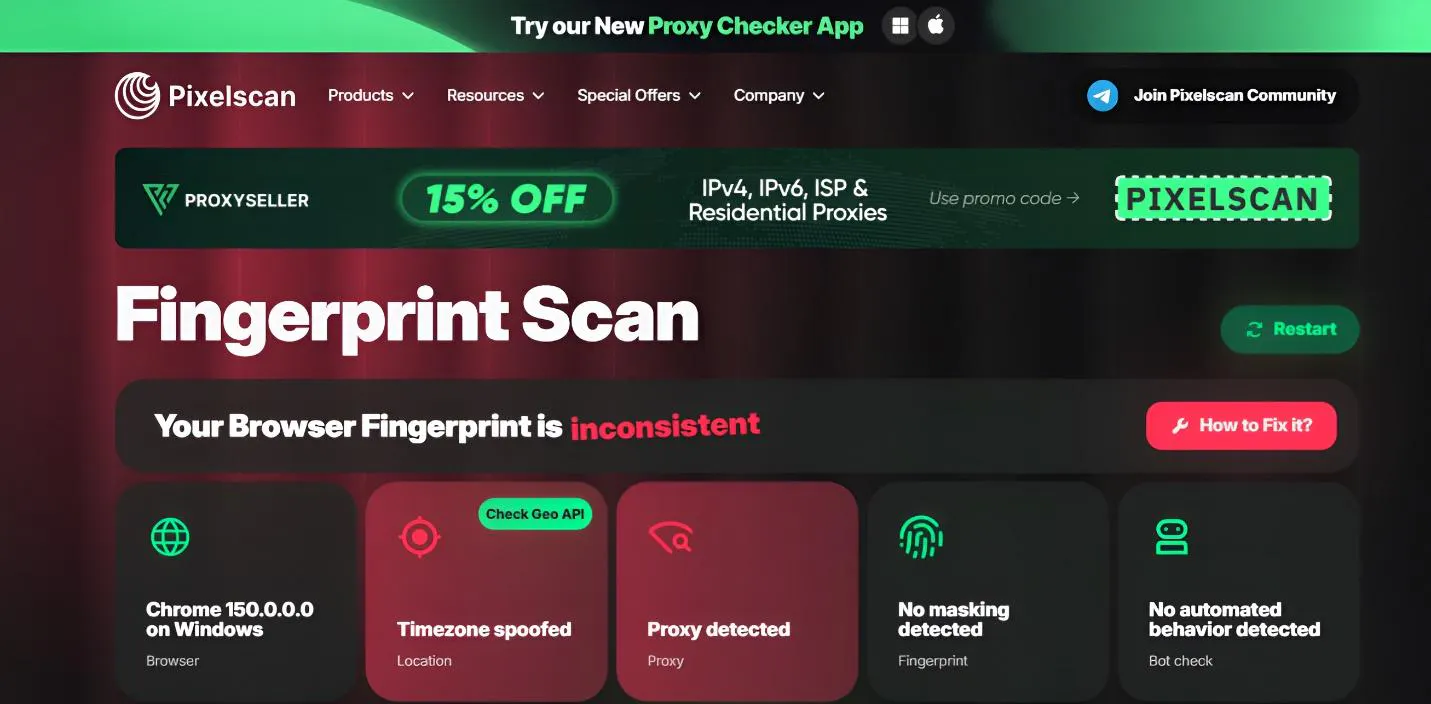
PixelScan has a long-standing reputation for being a reliable fraud detection and security verification tool. It is beginner-friendly and great for users that want a quick overview of their anonymity status.
PixelScan has a highly intuitive interface, which translates complex data into actionable privacy indicators. One thing that caught my attention was how well it was able to reveal inconsistencies in browser parameters.
Some of the parameters checked include:
- Canvas consistency
- Font consistency
- WebRTC leak
- OS consistency
- IP-timezone consistency
Pros | Cons |
Clear indicator for each parameter | Advanced reports often require a subscription |
Includes IP blacklist checks | Less granular data |
Results are color coded | |
Comprehensive fingerprint verification |
Whoer
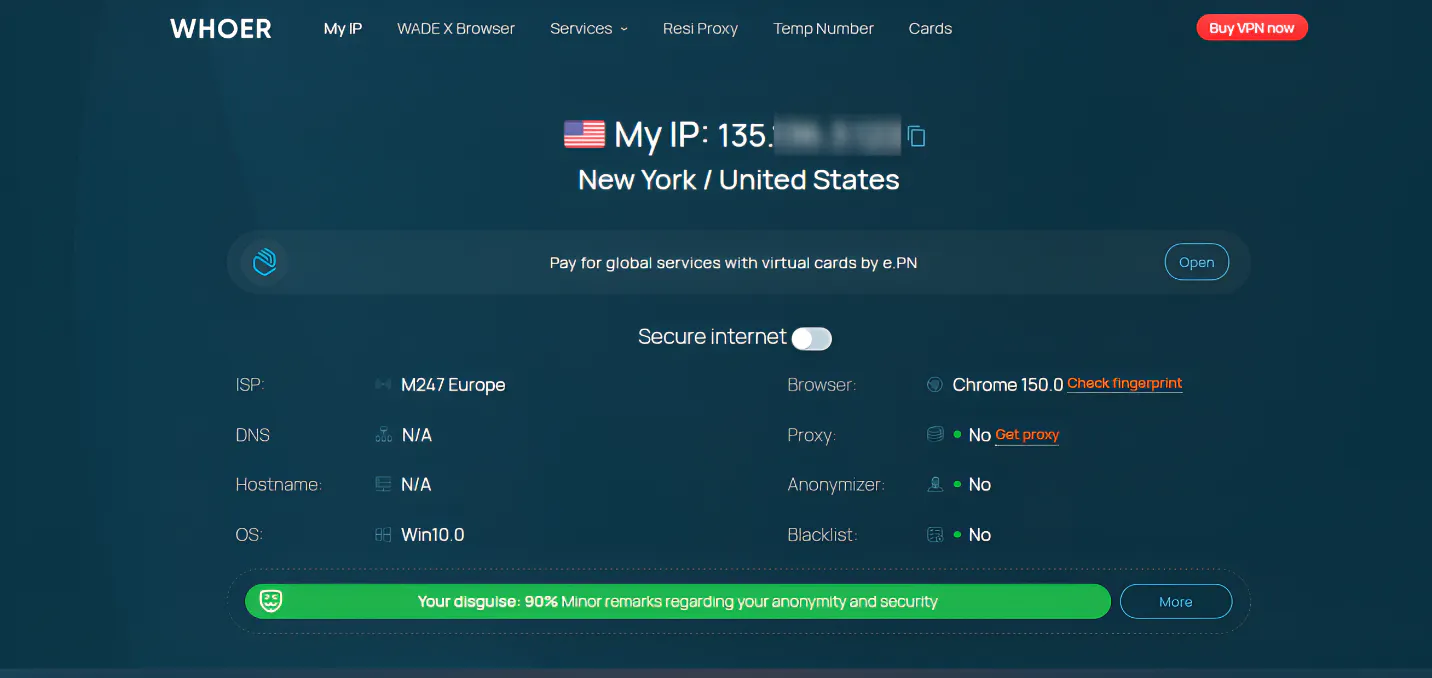
Whoer is another fingerprint test tool that is simple to use. It provides a single page result page that gives you a quick representation of your anonymity levels.
Some of its key features are that it shows if your IP is blacklisted as well as providing a DNS leak test. Wooer works by scanning your browser and connection settings and delivers a simple one-page report.
One of the downsides I noticed was that it does not provide details on WebRTC leaks and canvas fingerprinting leaks.
Some of the parameters it checks include:
- JavaScript features
- Browser headers
- DNS leaks
- Geolocation
Pros | Cons |
Beginner-friendly | Limited fingerprint depth |
Simple anonymity score | |
Quick fingerprint testing tool |
Conclusion
The need for online anonymity and privacy significantly differs based on activities. Even if you use VPNs, proxies, or clear the browser cookies, your digital footprint may still be trackable. Therefore, a fingerprint test tool becomes crucial to verify browser privacy settings.
This article has explored the best browser fingerprint test tools so that you are one step ahead of online tracking.
Unsure of your anonymity level? Run a fingerprint check today to verify the consistency of the browser environment.