

Best Browserleaks Alternatives: Top Fingerprinting Test Tool Options
Browserleaks forces manual checking of each test without a summary. We tested 6 alternatives that do it better. Iphey wins for bot detection and risk scoring, PixelScan for fix-it guides, Surfshark for simplicity.

Browserleaks has been my go-to tool whenever I want to cross-check if my internet activities are indeed anonymous. Over time, it’s been a good resource, especially its WebRTC leak test result accuracy. However, one of my main issues with it has been that it doesn’t summarize the results of the test at a glance, among other issues. Instead, you’d have to check each criterion one by one.
Lately, I researched a few other options. Then I discovered they actually have edges over Browserleaks. This is why I’m writing this article: to show you other solid alternatives you can use in place of it.
TL;DR
- Browserleaks is a website where you can test how other websites see you
- Essential tests to pass: WebRTC, canvas fingerprinting, geolocation API, DNS leak, bot test
- Surfshark detection is the most shallow and simplest alternative
- Iphey is the overall best and most comprehensive alternative
Tool | Key Features | Downsides | Signup Requirement | Contains Ads | Suitable For |
Iphey | Bot detection, WebGL detection, Shows risk score | No Torrent detection | No | Yes | Developers running bots and AI agents who want the most comprehensive technical details |
IPLeak | Torrent detection, Geolocation API, | No proxy or bot detection | No | No | Knowing privacy health diagnostics |
Surfshark Detection | Only IP detection | Manual pasting of IP, No information on leaks | No | No | Mobile VPN privacy confirmation |
Whoer | Blacklist detection, WebRTC detection, JavaScript detection | No geolocation API, no bot detection, DNS leak is inaccurate | No | Yes | Only IP investigation |
BrowserScan | Bot detection, Shows IP mismatch, WebGL test | Provides no information on screen resolution | Yes | Yes | Quick privacy health scan |
PixelScan | DNS leak test, WebRTC leak test, Proxy and Bot checker | Provides generic solution on fixing leaks | No | Yes | Checking efficient bot masking |
What is Browserleaks?
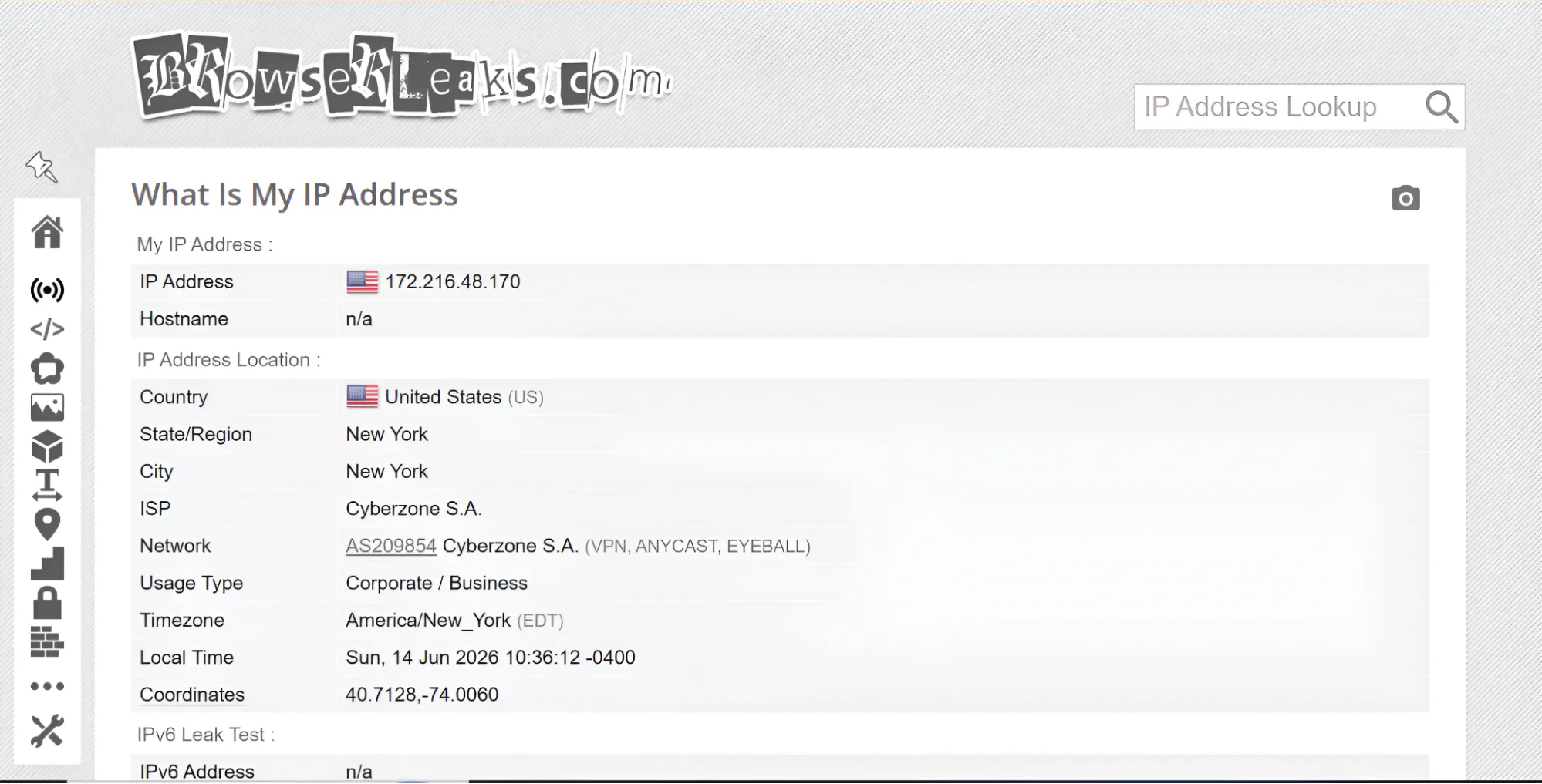
Browserleaks is one of the best fingerprinting test tools out there. In the technical lens of it, Browserleaks is a tool made up of a set of tools. For example, it has WebRTC leak test tool, IP test tool and lots more. This is the reason many other web scraping engineers or technical users love it. You can check every technical detail about your fingerprinting, instead of just a surface level summary.
Here are some of its key features:
- Geolocation API
- Canvas fingerprinting
- Chrome extension detection
- DNS leak test, and so on
6 Solid Alternatives to Browserleaks
There are many self-acclaimed Browserleaks alternatives on the web. But a good number are not even near its efficiency.
But there are some good contenders and, I dare say, better options. I have highlighted the ones I tested and found impressive below:
Iphey
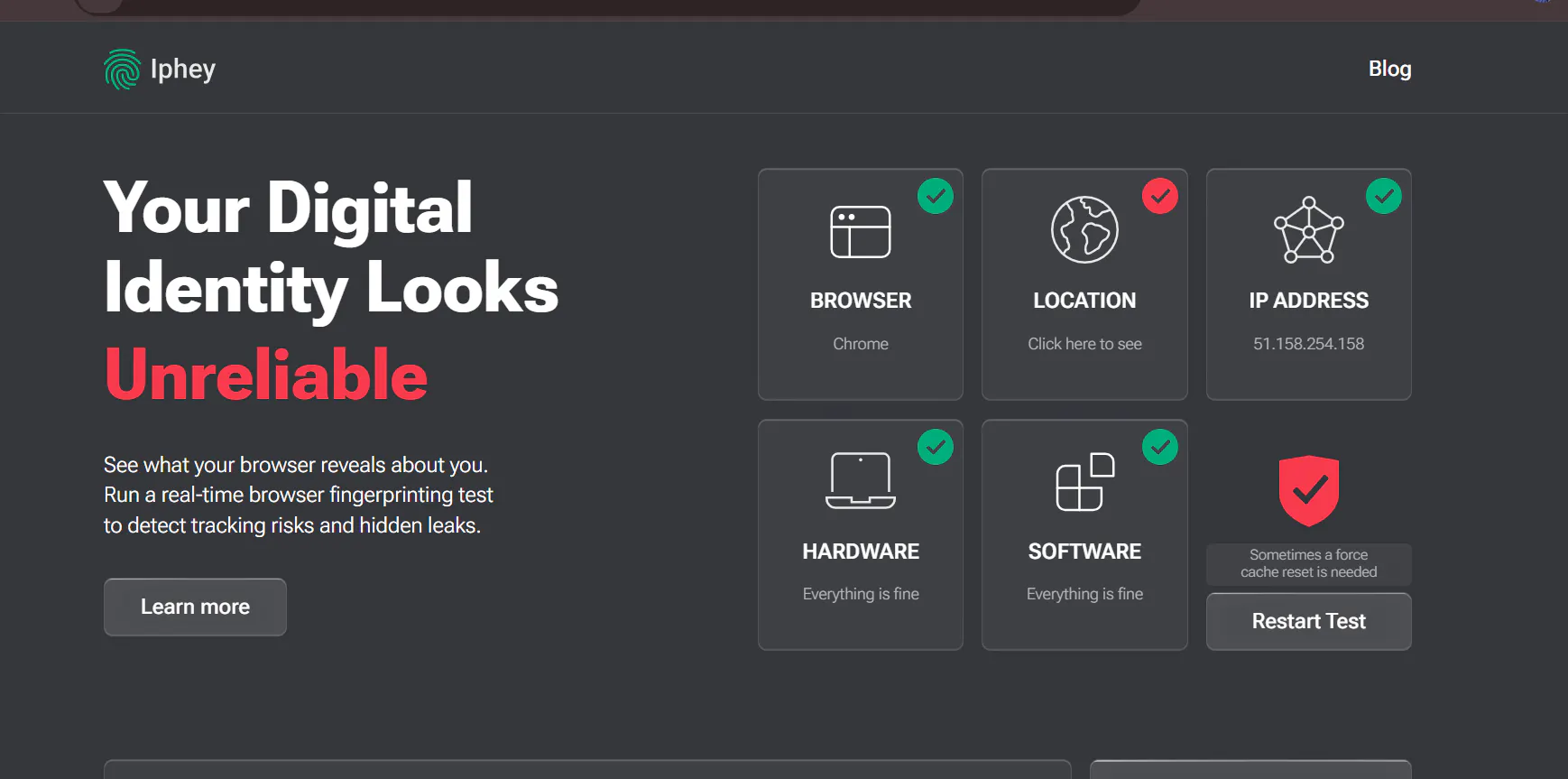
Genuinely, Iphey seems to be the overall best alternative to Browserleaks because it provides a lot more comprehensive information where the latter is lacking.
The first time I used Iphey, what stood out to me was how it easily told me point-blank that I’m hiding my location, primarily pointing out to my timezone mismatch, then going ahead to show the offset between my proxied and actual timezone.
Do you also love it when detectors show you your score? Iphey does this, particularly with your ISP and geolocation details. It will show you the range of the risk as well as its percentile.
When you get to use Iphey, one of the things you’ll notice is the level of details involved. Here are some major sections it tests and provides information on:
- Bot
- Software
- Location
- Browser
- Hardware
- Signals
If you are a developer, or you run agents and locally written scripts, Iphey gives you the widest level of details regarding your bot configuration, even more than Browserleaks. It shows whether or not your bot has CDP, user agent, or uses a web driver.
Key Features
- IP blacklist test
- Tests font and canvas fingerprint
- Shows timezone mismatch
- Shows risk score
- Full bot test
IPLeak
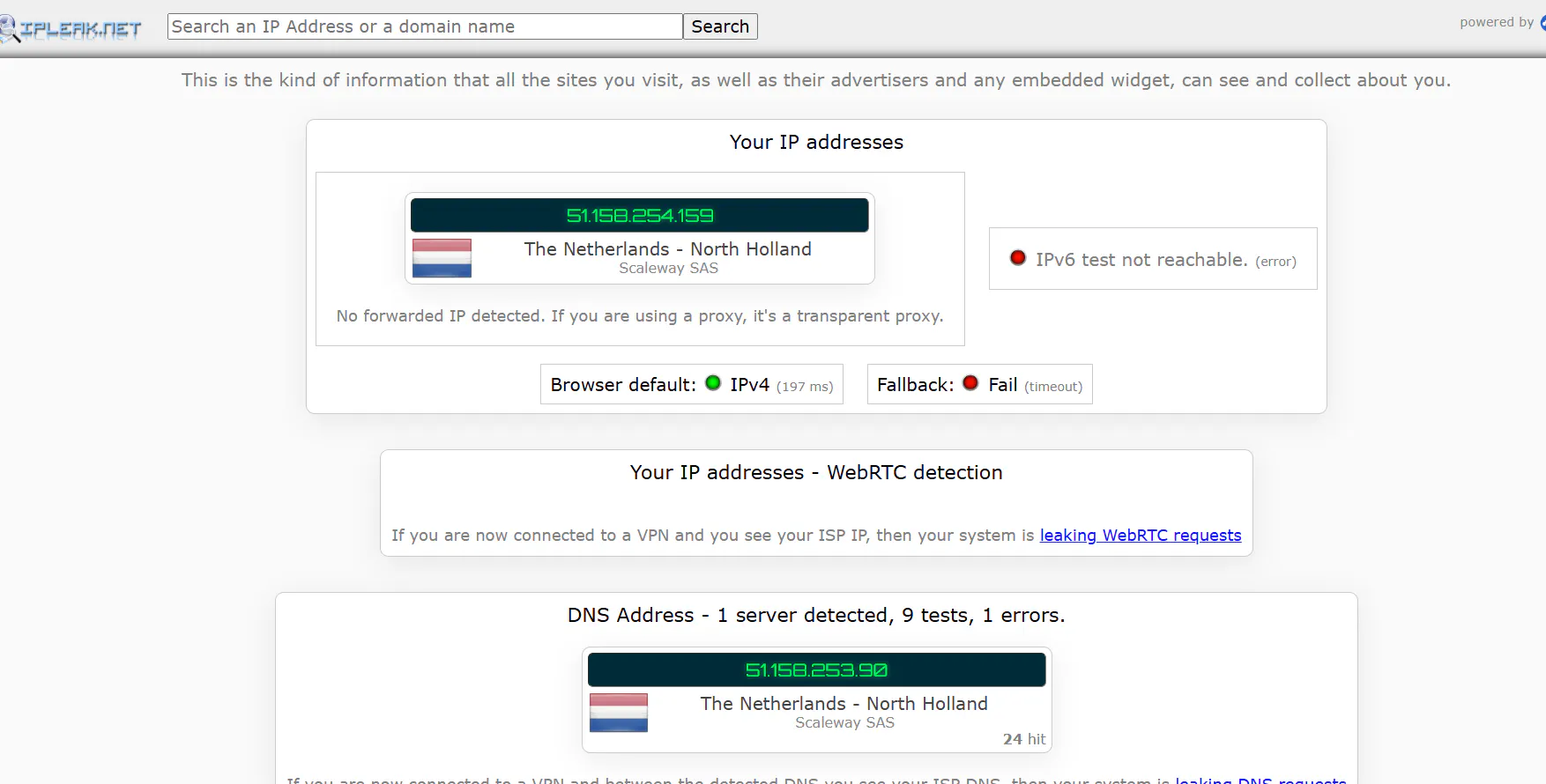
Asides Browserleaks, only a few other fingerprint detectors can verify Tor connection, and IPLeak is one of them. For me, I’ve never had a serious reason to go super private by using Tor, but if you do, you’ll appreciate this test in IPLeak.
You can see all your browser-facing information, from user-agent to screen information, and also whether or not you enabled cookies.
Even though IPLeak doesn’t show you an overall score of your tests, it does provide:
- The tests it ran
- How many successful
- How many detected servers
But there are some reasons I wouldn’t recommend IPLeak if you want full fingerprint disclosure.
The first thing is it doesn’t suggest what else you can do to improve your fingerprint. Secondly, it cannot natively catch whether or not you are using proxies or VPNs, which makes me doubt the WebRTC test.
Key Features
- Provides geolocation API testing
- Shows IP accuracy radius
- Displays full HTTP request headers
- Detects torrent address
Surfshark Detection
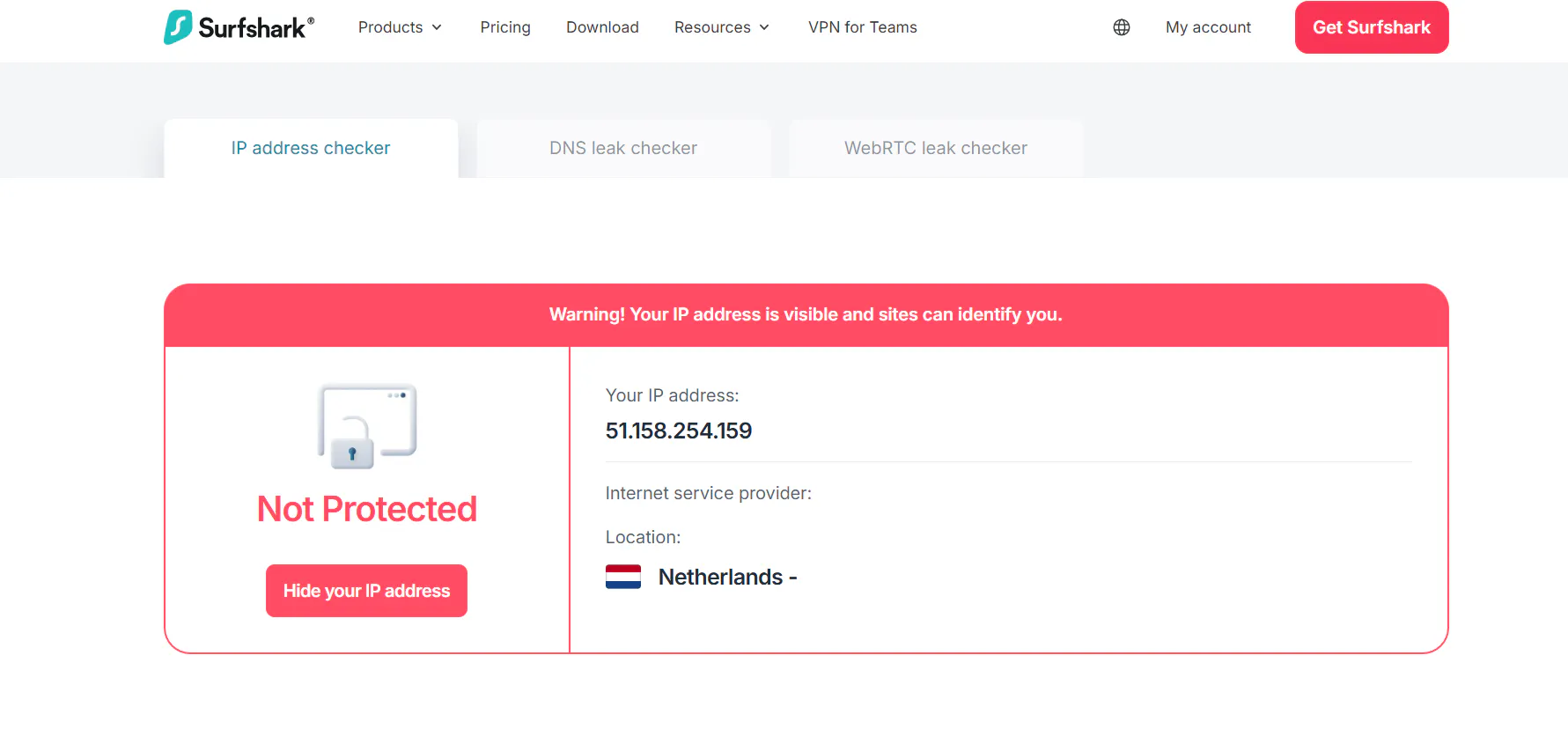
This is a Browserleaks competitor that I mainly love because of its simplicity. But note, I only recommend Surfshark detection if you mainly want to test your privacy as purportedly protected by a VPN.
Don’t use it to test your scripts nor something perhaps more serious. Know this, it doesn’t provide HTTP header or hardware spec exposures.
It will fall flat by making you oblivious of many tests, thereby getting your bot or account banned later on. Thus, be careful with it.
But like I said, I love it because of the simplicity. When you run your IP through Surfshark detection, it only provides 3 main test results, which also serve as its key features:
- IP disclosure
- DNS leak
- WebRTC leak
Whoer.net
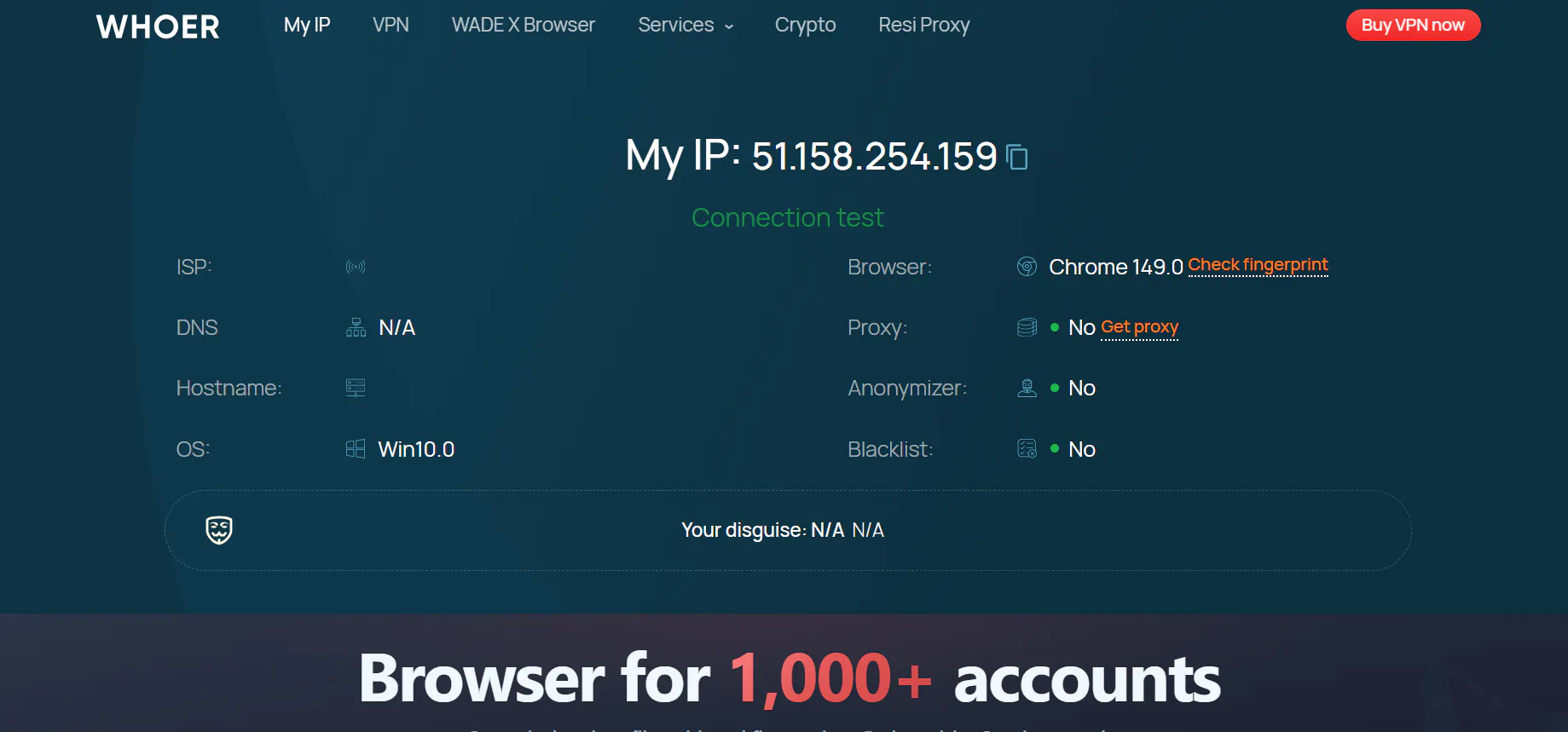
Whoer is another Browserleaks competitor that is also simple to use and provides basic information. However, while it’s a good alternative, it’s not a better one in my judgement.
This is predicated on 2 reasons. First, Whoer doesn’t provide WebRTC leak test information. So, you wouldn’t know if your actual fingerprint is leaked or correctly masked.
Secondly, it lacks sufficiently convincing information on canvas fingerprinting leaks by not showing specifically the masked setup and graphics card configuration of your device.
This single line of failure can be how your identity will be exposed.
Key Features
- Shows running scripts
- Provides DNS leak test
- Confirms proxy setups
- Shows whether or not you’re blacklisted
BrowserScan
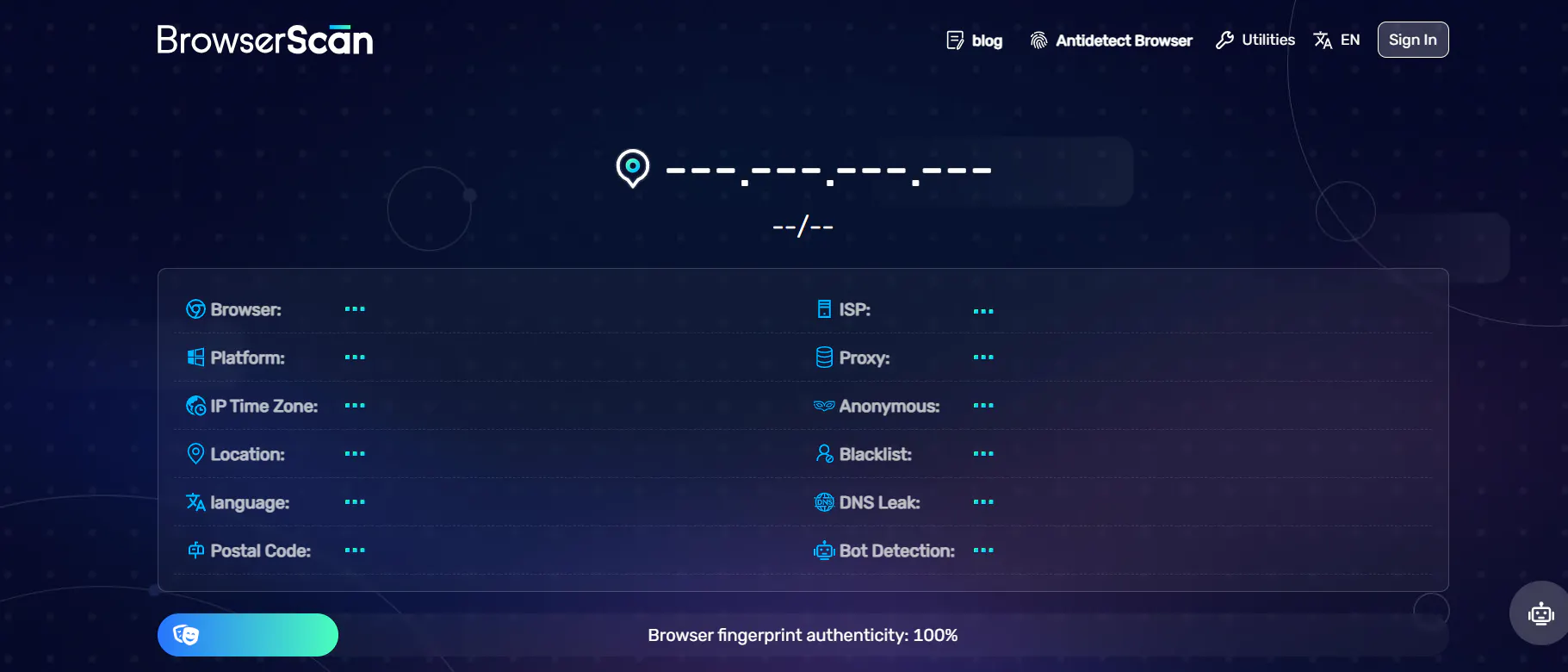
Perhaps the foremost reason I had to recommend BrowserScan is how it lets you know how much your privacy weighs by putting a score to it.
You will get a percentile score of your browser fingerprint originality. Most times, it will also go ahead to show you what made your score drop.
In addition, I particularly love how it exposes inefficient proxies and VPN. High-quality proxies, especially residential ones, and VPN should work naturally on your machine.
However, it becomes a problem when they are detectable as VPNs or proxies as that defeats the purpose and makes detection mechanisms block your account or bot.
But it also has a huge downside: BrowserScan doesn’t have a tab to test your Geolocation API. This is very vital as that one API GET request, if not denied, can leak all your original data.
Key Features
- Hints on geolocational mismatches
- Bot detection
- Proxy detection
- Hardware information
PixelScan
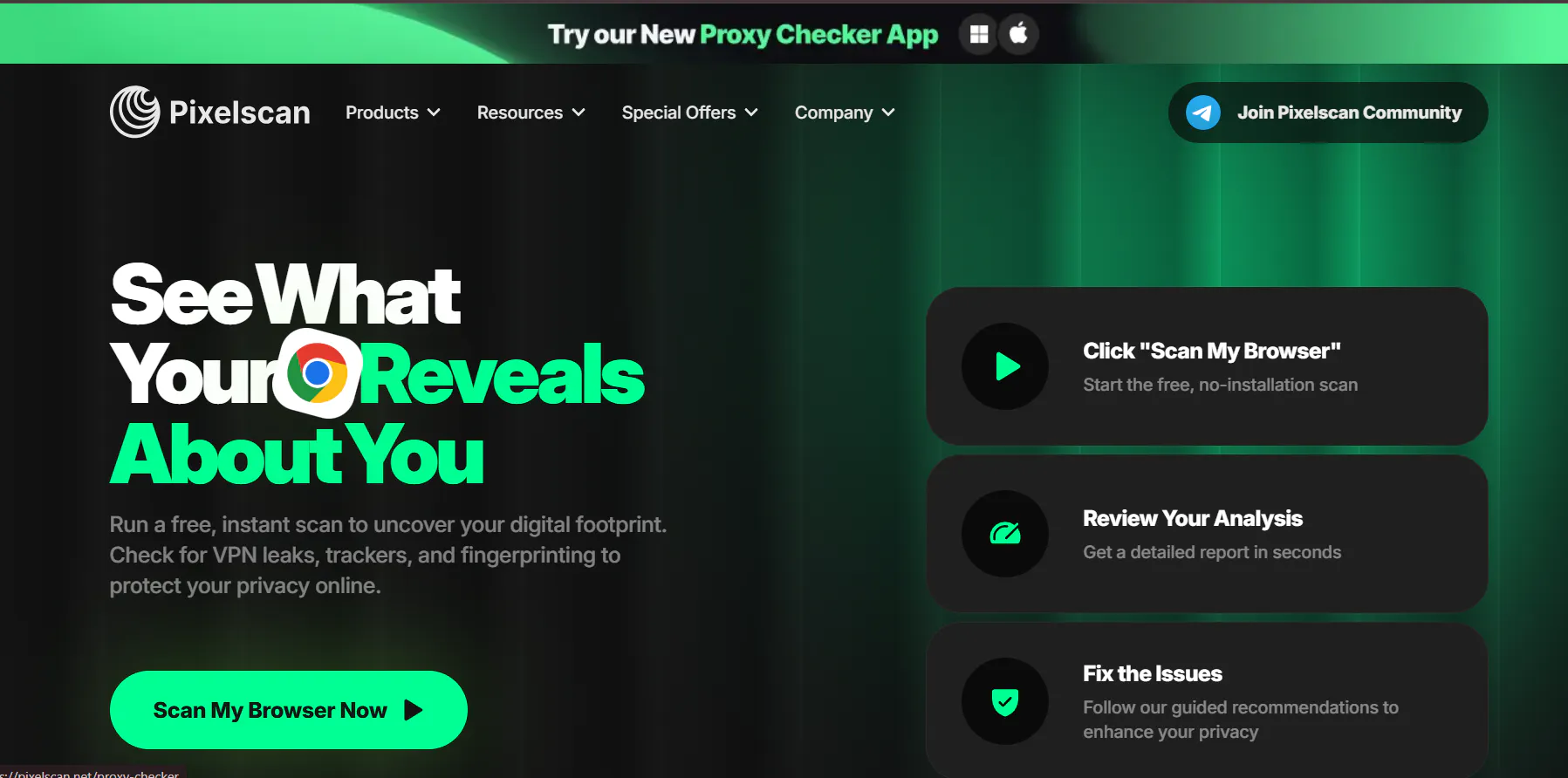
PixelScan has quite comprehensive fingerprinting coverage, from WebGL to hardware, and even time zones.
Unlike some other test tools, PixelScan always provides the leaked screen resolution.
This becomes important if your account was banned and resolution was part of the detection components. By resetting it earlier on in your script, you can successfully bypass such a test.
Most importantly, it has an “How to Fix It” button for your leaks, which links to a comprehensive online privacy article. So, it doesn’t just point out your fingerprint leaks, it also leads you to the solution.
However, the only issue I have with the fixing button is how it’s rather generic than individual. But still better than nothing anyway.
Key Features
- Shows operating system mismatch, if any
- Checks for masking
- Shows longitude and latitude
- Detects VPN
- Displays user-agent setup
Concluding Thoughts
Even though Browserleaks is good, there are actually some other browser fingerprinting detection tools around. But at the end of the day, it depends on how much depth you want to know about your fingerprint and possible leakage.
If you want something relatively shallow and simple for mobile privacy, detectors like surfshark detection suffices. But if you want highly detailed test detection and reports, you’d have to check out top 3 Browserleaks alternatives, such as:
- Iphey
- PixelScan
- Browserscan
From my experience as a web scraping engineer who has to write stealth scraping scripts, I’ve mostly tested my fingerprint lately with Iphey because of the extremely comprehensive level of details.